★ Video Editor for Windows
Create amazing videos.
Simple. Powerful.
The easiest video editing software for Windows. Trim, merge, add effects, music and text. No watermark. No learning curve.

The easiest video editing software for Windows. Trim, merge, add effects, music and text. No watermark. No learning curve.
Professional tools that are actually easy to use. Start editing in minutes, not hours.
Cut videos with frame-by-frame precision. Remove unwanted sections and keep only the best parts.
Add background music, sound effects, and voice-over. Edit soundtrack with built-in audio tools.
Color correction, video filters, and visual effects. Make every frame look professional.
Custom text overlays, animated titles, and captions. Multiple fonts, sizes, and styles.
Fade, dissolve, wipe, and more. Professional transitions between every clip.
HD, Full HD, or 4K. MP4 or WMV. Hardware-accelerated encoding for fast exports.
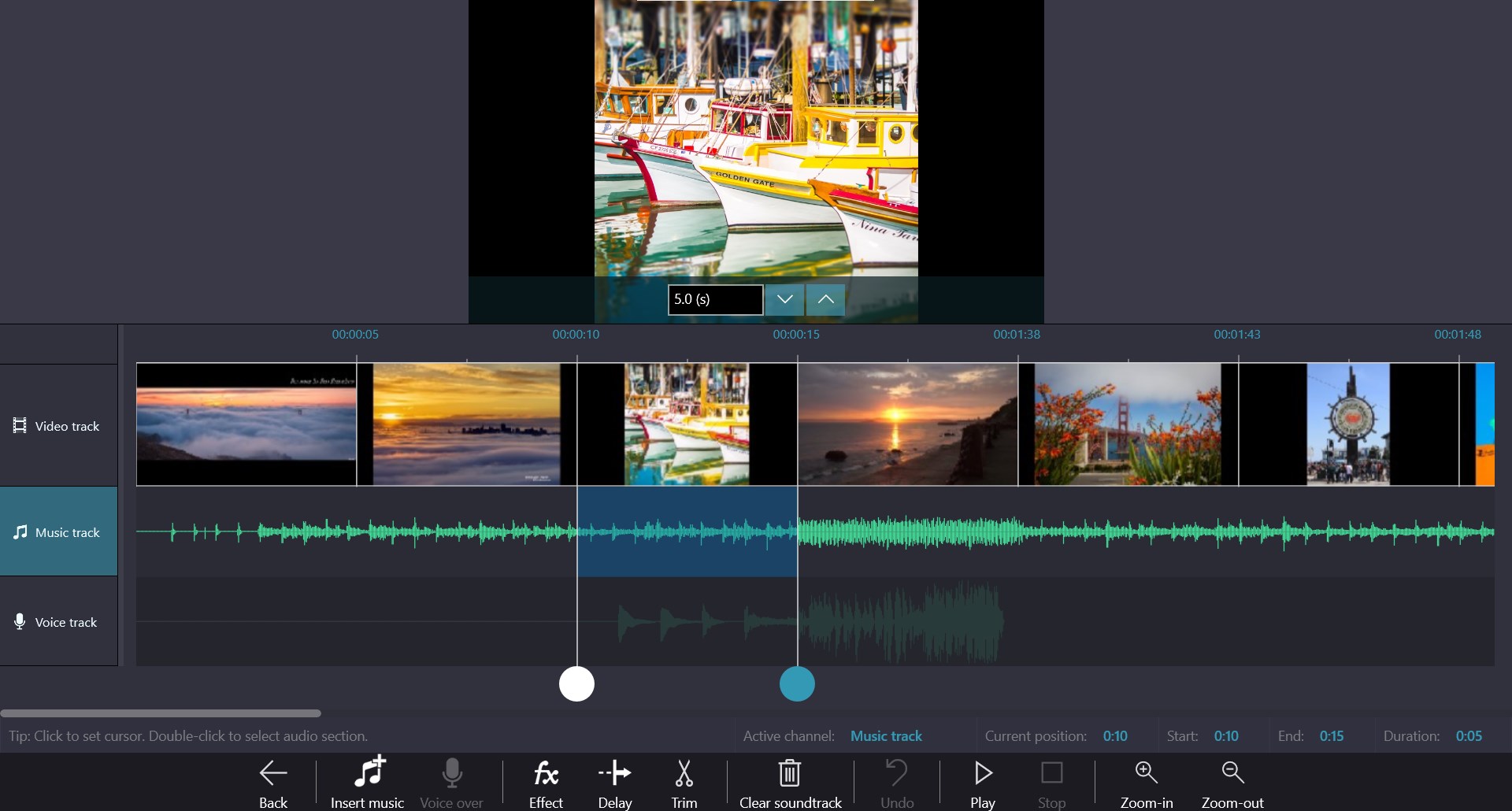
Arrange clips on the multi-track timeline. Layer video, photos, and audio tracks. See changes in real-time with the built-in preview player. Everything is visual and intuitive.
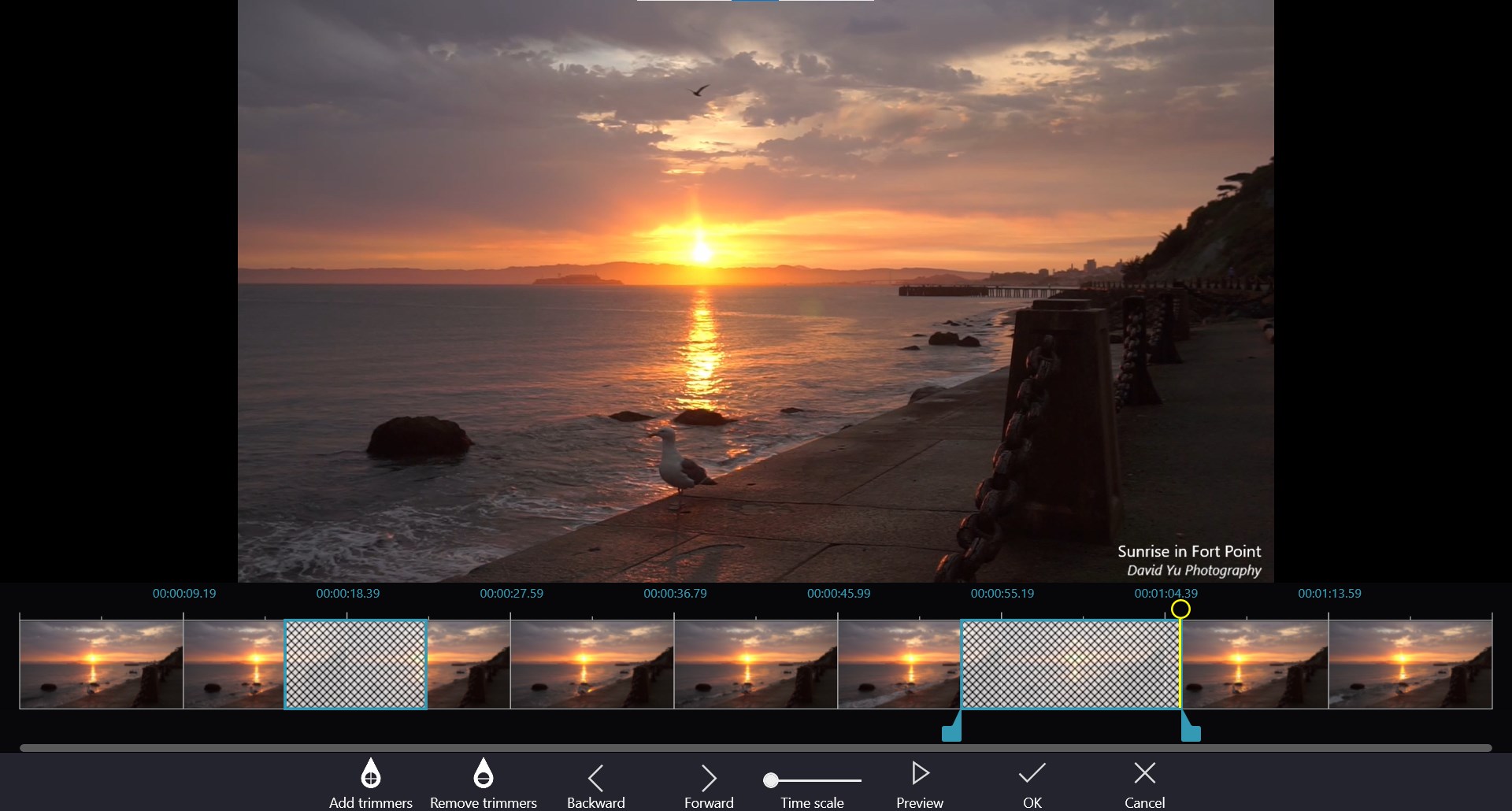
Add trimmers to select exactly the footage you need. Scrub through your video frame by frame. Preview before you cut. Professional precision, zero complexity.
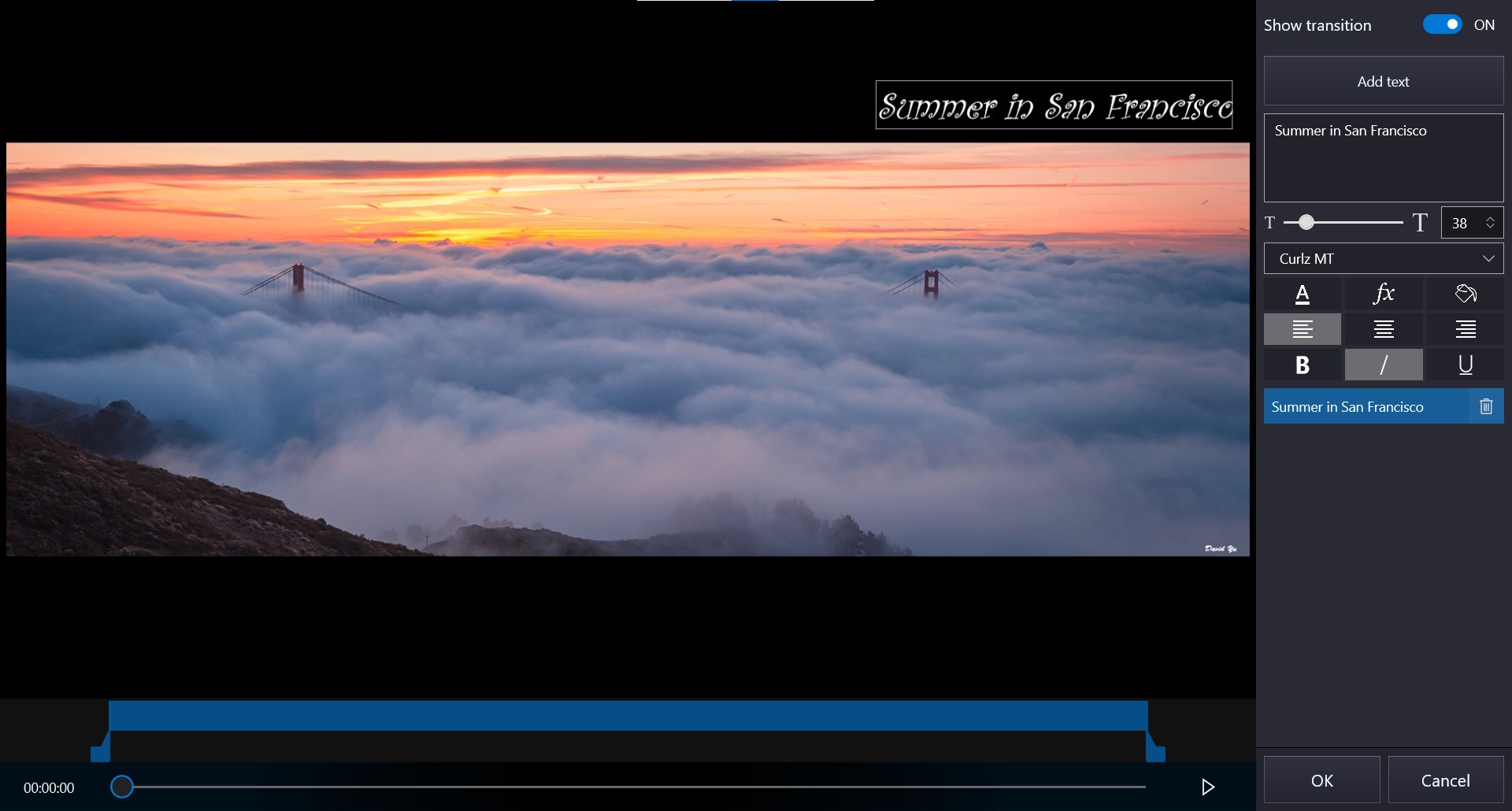
Add titles, captions, and text overlays with custom fonts, sizes, colors, and effects. Create professional title screens with smooth transitions.
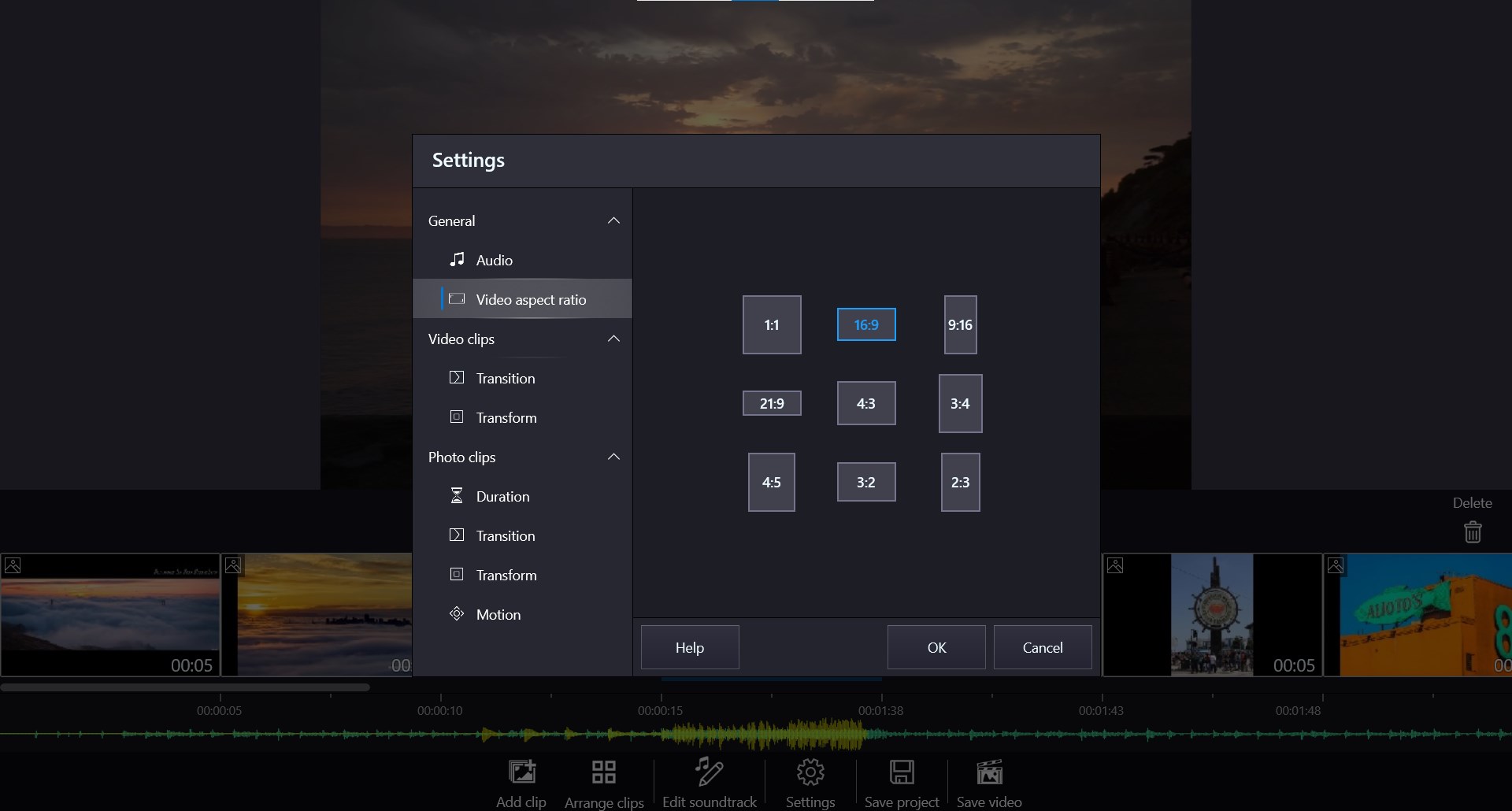
16:9 for YouTube, 9:16 for Reels and TikTok, 1:1 for Instagram. Switch between 9 aspect ratios with one click. Your content, every platform.
Download Movie Maker from the Microsoft Store. It takes less than a minute.
See how easy it is to create professional videos.
Video editing software for Windows. No watermark, no limits.
